Want to stop depending on limited credits and expensive subscriptions? In 2026, smart creators and developers are learning how to Make Your Own AI Tool to Generate Unlimited Images & Videos instead of relying only on third-party platforms. If you’re tired of watermarks, daily usage limits, and rising AI costs, building your own AI system can be a game-changer.
In this guide, you’ll learn how to Make Your Own AI Tool to Generate Unlimited Images & Videos, what tools you need, how much it costs, and how beginners can start step-by-step.
📌 Article Index
- Why You Should Make Your Own AI Tool in 2026
- Free AI Tools vs Building Your Own AI Tool
- Benefits of Having Your Own AI Tool
- How to Build Your Own AI Tool (2026 Beginner Guide)
- Estimated Cost to Make Your Own AI Tool
- Business Opportunities After You Make Your Own AI Tool
- Common Mistakes to Avoid
- Conclusion
- FAQs
Make Your Own AI Tool to Generate Unlimited Images & Videos (2026 Beginner Guide)
Why You Should Make Your Own AI Tool in 2026
Free AI tools are powerful, but they come with limits:
- Daily credit caps
- Watermarks
- Feature restrictions
- Expensive pro upgrades
When you Make Your Own AI Tool to Generate Unlimited Images & Videos, you control:
- Usage limits
- Custom features
- Monetization
- Branding
Real-world example:
Many YouTube automation creators now run their own AI image backend instead of paying monthly for multiple image generators. SaaS founders are building AI video tools on top of existing models and reselling access.
Amon Insight:
Most beginners think they need to build an AI model from scratch. Wrong. You don’t need to invent AI — you need to connect and structure it properly.
Free AI Tools vs Building Your Own AI Tool
Before building, understand the difference.
Using Free AI Tools
Examples:
- Chat-based image generators
- Online AI video editors
- SaaS platforms with limited credits
Advantages:
- No setup required
- Beginner-friendly
- Instant results
Limitations:
- Usage restrictions
- No backend control
- No customization
Building Your Own AI Tool
When you Make Your Own AI Tool to Generate Unlimited Images & Videos, you:
- Connect AI models via API
- Create your own interface
- Manage usage
- Add subscription system
Advantages:
- Full customization
- No per-user credit restrictions
- Business opportunity
Benefits of Having Your Own AI Tool
Building your own AI tool gives you complete freedom and long-term control. Instead of depending on multiple third-party platforms, you manage everything from one place.
Here are the key benefits:
1. No Need for Premium Subscriptions
When you own your AI tool, you don’t need to pay for multiple premium plans across different platforms. You are not limited by expensive monthly subscriptions just to unlock basic features.
You only pay for server or API usage, which is often more cost-efficient in the long run.
2. Unlimited Usage Control
With your own AI system, you can generate images, videos, or content as much as your infrastructure allows. There are no daily credit limits or forced upgrade prompts.
You decide how much you want to use it — not a third-party company.
3. Perfect for YouTube and Content Creation
If you run a YouTube channel or social media brand, having your own AI tool allows you to:
- Generate unlimited YouTube thumbnails
- Create AI-generated videos
- Write scripts and blog posts
- Produce content faster
This gives you a strong competitive advantage.
4. No Need to Manage Multiple Accounts
When using different AI platforms, you often need to:
- Sign up on multiple websites
- Manage different subscriptions
- Track separate billing systems
With your own AI tool, everything is centralized. One system. One dashboard. Full control.
5. Custom Features & Branding
Owning your AI tool allows you to:
- Customize output style
- Add your own branding
- Create unique features
- Build a monetization model
You are not limited by someone else’s design or restrictions.
6. Long-Term Business Opportunity
Your AI tool can evolve into:
- A SaaS product
- A subscription platform
- An API service
- A niche AI solution
Instead of just using AI, you become the provider.
How to Build Your Own AI Tool (2026 Beginner Guide)
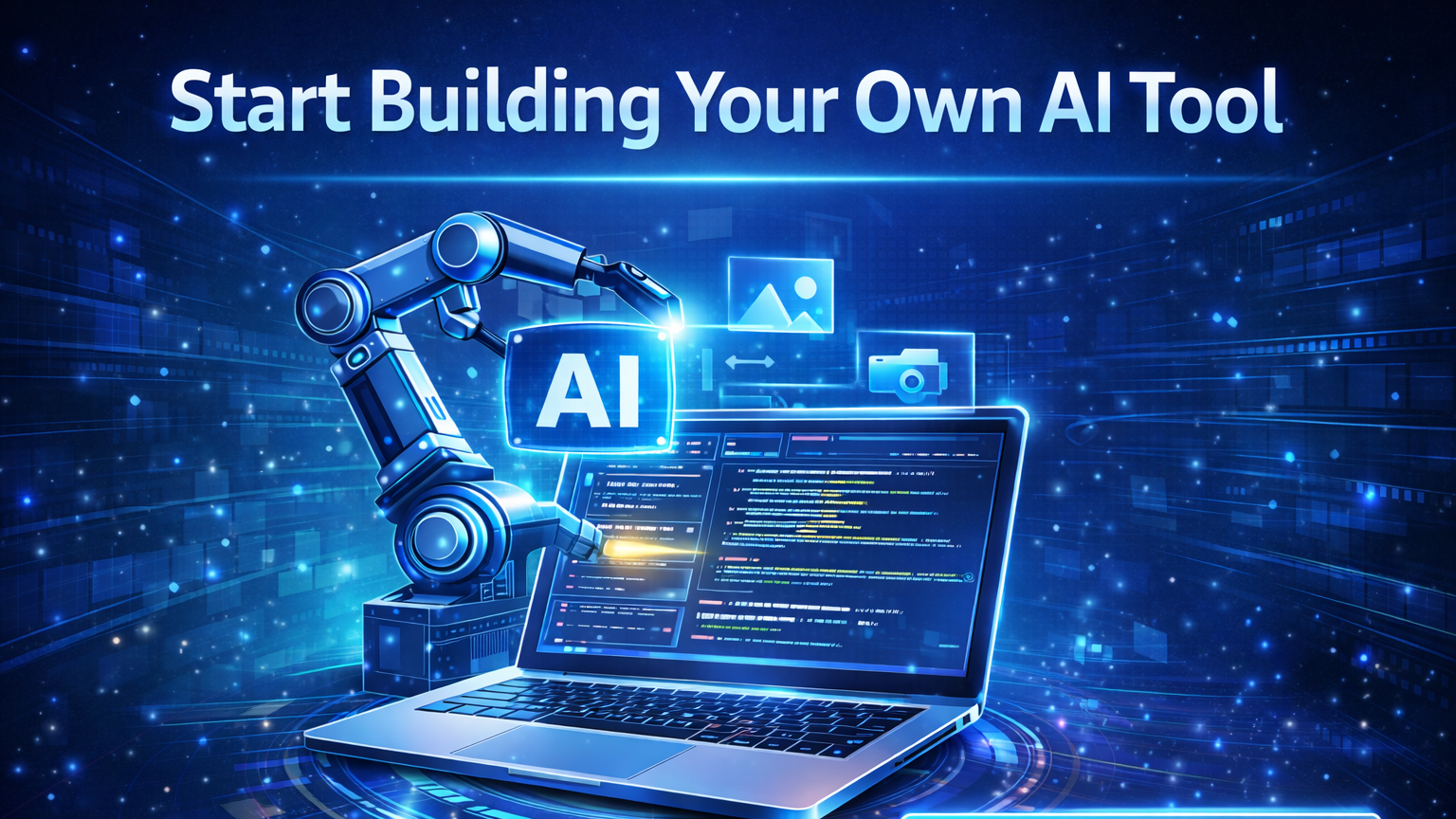
Building your own AI tool in 2026 is much easier than most people think. You don’t need to train an AI model from scratch. Instead, you can use existing AI models through APIs and build your own system around them.
Follow these step-by-step instructions:
Step 1: Decide What Type of AI Tool You Want to Build
First, clearly define your goal. Do you want to build:
- An AI image generator
- An AI video generator
- A combined image + video tool
- Or a niche AI tool for a specific audience
If you’re a beginner, start with an AI image generator. It’s simpler and cheaper compared to video generation.
Step 2: Choose an AI Model (No Need to Train One)
You do not need to build your own AI model. Instead, use existing models via API access.
Popular options include:
- OpenAI image models
- Stable Diffusion
- Replicate-hosted models
- Hugging Face hosted models
When choosing a model, check:
- API availability
- Pricing structure
- Commercial usage permission
- Output quality
- Scalability
Step 3: Set Up the Backend
The backend connects your website to the AI model.
You can use:
- Node.js
- Python (Flask or FastAPI)
- Django
The backend will:
- Receive user prompts
- Send requests to the AI API
- Receive generated image/video
- Return the result to the frontend
This is the core engine of your AI tool.
Step 4: Build the Frontend Interface
The frontend is what users interact with.
You can build it using:
- HTML + CSS + JavaScript
- React
- Next.js
Your interface should include:
- A prompt input field
- A “Generate” button
- A result display section
- A download option
Keep the design simple in version one.
Step 5: Connect Everything and Test
Now connect your frontend to your backend API.
Test with simple prompts first.
Make sure:
- The image or video generates correctly
- Errors are handled properly
- The system does not break under repeated use
Step 6: Deploy and Host Your AI Tool
Once testing is complete, deploy your application using platforms like:
- Vercel
- Render
- Railway
- AWS
- DigitalOcean
If you plan to generate videos or heavy images, you may need stronger servers.
Step 7: Add Monetization (Optional)
After your tool works properly, you can add:
- User login system
- Credit system
- Monthly subscription plans
- API usage limits
- Payment integration
Start simple. Improve gradually.
Estimated Cost to Make Your Own AI Tool
Here’s a realistic cost breakdown in 2026:
Basic Starter Setup
- Domain: ₹800–1200/year
- Hosting: ₹500–2000/month
- API usage: Pay per usage (₹0.5–₹5 per generation approx.)
Open Source Self-Hosting Setup
- VPS server: ₹3000–8000/month
- GPU server (if heavy video): ₹8000–20000/month
- Maintenance: Variable
Beginner budget:
You can start small under ₹3000–5000/month.
Amon’s Advice:
Start with API-based setup. Once traffic grows, shift to self-hosted model.
Business Opportunities After You Make Your Own AI Tool
Once you Make Your Own AI Tool to Generate Unlimited Images & Videos, you can:
- Launch SaaS platform
- Offer monthly subscriptions
- Sell lifetime deals
- Integrate affiliate system
- Create API resale
Example:
Image Generator Website → Users buy credits → You pay API cost → Keep margin profit.
That’s how many micro-SaaS founders operate today.
Technical Flow Example
User types prompt →
Frontend sends to backend →
Backend calls AI API →
AI returns image/video →
Frontend displays result.
Simple architecture. Powerful outcome.
Common Mistakes to Avoid
- Trying to train your own AI model
- Ignoring API pricing
- Not adding rate limits
- Forgetting legal terms & privacy policy
- Scaling too fast without cost control
Free Ai Tools List-
Conclusion
In 2026, the smartest move is not just using AI — it’s building with AI. When you Make Your Own AI Tool to Generate Unlimited Images & Videos, you shift from being a consumer to a creator.
You gain control, flexibility, and monetization power.
Amon’s Final Insight:
Start small. Build version 1. Improve gradually. Don’t wait for perfection. The AI wave is moving fast — either ride it or watch others build on it.
Now the decision is yours.
FAQs
Do I need to know AI programming to build my own AI tool?
No. You need basic web development and API integration knowledge. You don’t need to build the AI model itself.
Can I generate unlimited AI images for free?
Unlimited is possible technically, but you will still pay server or API cost. There’s always infrastructure expense.
Is it profitable to build an AI image or video generator?
Yes, if you control costs and create a niche audience. Many micro-SaaS founders earn from AI tools.
How long does it take to build a basic AI image generator?
With basic coding skills, you can build a simple version in 1–2 weeks.

I am Md Amon Sk, a Website Developer with 2 years of experience. As part of the Choosfy Team, I focus on building quality websites and sharing the latest insights on AI tools.

1 thought on “How to Build Your Own AI Image & Video Generator (2026 Guide)”
Comments are closed.