
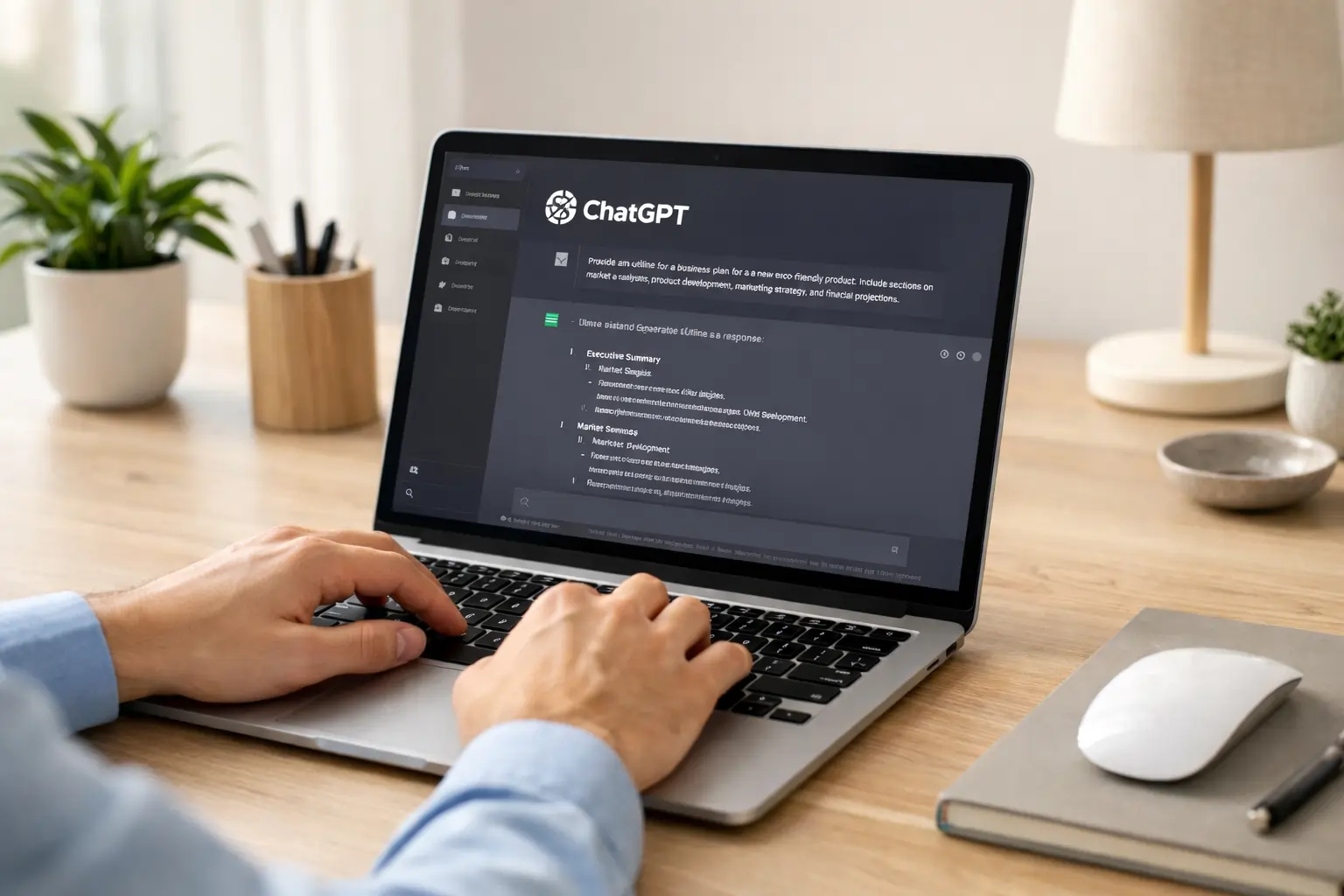
How to Use ChatGPT in 2026: A Complete Practical Guide for Beginners and Professionals
The 2026 Reality: AI Is No Longer Optional
In early 2026, a small business owner in Mumbai reduced her content production time by half. A Class 10 student in Kolkata improved his science explanations within weeks. A freelance developer in Bengaluru accelerated debugging and documentation without hiring extra help. Their common tool was ChatGPT.
What changed is not just the technology, but how people use it. In 2026, ChatGPT is no longer treated as a novelty chatbot. It has become a productivity assistant, research helper, writing partner, coding guide, and learning tool. However, many users still fail to unlock its real potential because they use it incorrectly. chat gpt free subscription apk.
This guide explains how to use ChatGPT effectively in 2026 strategically, responsibly, and productively.
Understanding What ChatGPT Can and Cannot Do in 2026
Before diving into steps, it is important to understand the boundaries.
ChatGPT can:
- Generate structured written content
- Explain complex concepts in simple language
- Assist in coding and debugging
- Summarize long documents
- Brainstorm ideas
- Help in study planning
ChatGPT cannot:
- Replace human judgment
- Guarantee factual accuracy in all cases
- Predict future events with certainty
- Replace subject expertise
The biggest mistake users make is treating ChatGPT as a final authority instead of a thinking assistant.
Step-by-Step Guide: How to Use ChatGPT in 2026
Step 1: Define Your Objective Clearly
Before typing anything, ask yourself: What outcome do I want?
Bad prompt:
“Tell me about marketing.”
Better prompt:
“Explain digital marketing strategies for small businesses in India in 2026 with practical examples.”
Specific prompts produce specific results. Vague prompts produce generic answers.
Step 2: Use Structured Prompts
In 2026, structured prompting significantly improves output quality.
Use this format:
- Role: Define perspective
- Context: Provide background
- Task: Clearly state requirement
- Format: Specify output style
Example:
“Act as a science teacher. Explain Newton’s Third Law for Class 10 students with two real-life examples and a short summary.”
This dramatically improves relevance.
Step 3: Use ChatGPT for Learning, Not Copying
Students often copy answers directly. This reduces long-term understanding.
Better approach:
- Ask ChatGPT to explain a concept.
- Close the screen.
- Rewrite in your own words.
- Compare with textbook.
Use it as a tutor, not as a shortcut.
Step 4: Use Iterative Refinement
Most users stop after one response.
In 2026, power users refine outputs.
Example workflow:
- Generate draft article.
- Ask: “Improve clarity and make it more concise.”
- Ask: “Add practical examples.”
- Ask: “Make it SEO optimized.”
This layered refinement improves quality significantly.
Step 5: Fact-Check Critical Information
ChatGPT may occasionally provide outdated or incorrect information.
For financial, legal, medical, or academic decisions:
- Cross-check with official sources.
- Verify data.
- Confirm dates and statistics.
Never make high-stakes decisions based solely on AI output.
Practical Use Cases in 2026
For Students
- Generate practice questions
- Create revision summaries
- Improve grammar
- Understand complex chapters
- Create study schedules
Example:
Create a 30-day revision plan for Class 10 board exams focusing on Science and Math.
For Professionals
- Draft emails
- Generate reports
- Create presentations
- Research industry trends
- Summarize meetings
Example:
Summarize this 2,000-word market report into 10 executive bullet points.
For Content Creators
- Blog outlines
- YouTube scripts
- SEO keyword expansion
- Headline variations
- Social captions
Example:
Generate 5 SEO-optimized blog titles for AI tools for students in India.
For Developers
- Code suggestions
- Debugging help
- Documentation generation
- API explanation
ChatGPT complements tools like GitHub repositories and works alongside development assistants such as GitHub Copilot.

Powerful Ready-to-Use ChatGPT Prompts 2026 Edition
In 2026, the difference between average users and advanced users of ChatGPT lies in prompt quality. Below are structured, practical prompts across 10 major categories each with example input and expected result outcome so you can understand how to use them effectively. ChatGPT new prompt.
1. Education (School & College Students)
Prompt:
Act as a Class 10 science teacher. Explain Chemical Reactions and Equations with 3 examples and short revision notes.
Expected Result:
You will receive a structured explanation, examples with balanced equations, and concise revision points that can be directly used for exam preparation.
2. Competitive Exam Preparation
Prompt:
Create 20 SSC-level quantitative aptitude questions on percentage with answers and short solution explanation.
Expected Result:
A practice-ready question set with solutions that can simulate real exam preparation sessions.
3. Content Creation (Bloggers & Writers)
Prompt:
Generate a 1200-word SEO optimized article outline on AI tools for students in India. Include headings, FAQs, and keyword suggestions.
Expected Result:
A structured blog outline with H2/H3 sections, FAQ ideas, and SEO direction for ranking-focused writing.
4. ChatGPT YouTube Script Writing Prompt
Prompt:
Write a 7-minute YouTube script explaining how GitHub Copilot helps beginners in coding. Keep it simple and engaging.
Expected Result:
A conversational script divided into intro, explanation, examples, and closing hook.
5. Business & Marketing
Prompt:
Act as a digital marketing consultant. Create a 30-day content strategy for a small Indian coaching institute.
Expected Result:
A calendar-style plan with weekly themes, content ideas, posting strategy, and conversion focus.
6. ChatGPT Freelancing & Resume Building Prompt
Prompt:
Improve this resume summary for a beginner web developer applying for freelance projects.
Expected Result:
A stronger, professional summary optimized for clarity and impact.
7. ChatGPT Coding & Development Prompt
Prompt:
Explain how to build a simple REST API using Node.js step-by-step for beginners.
Expected Result:
Clear structured development steps, sample code snippets, and explanation of each part.
8. ChatGPT Productivity & Time Management Prompt
Prompt:
Create a weekly productivity system for a college student preparing for board exams and learning coding simultaneously.
Expected Result:
Balanced timetable with study blocks, practice sessions, and revision cycles.
9. Research & Report Writing
Prompt:
Summarize this 2000-word research text into a 300-word executive summary for business presentation.
Expected Result:
Condensed, clear executive summary highlighting key findings and conclusions.
10. Personal Skill Development
Prompt:
Create a 60-day roadmap to improve public speaking skills with weekly milestones.
Expected Result:
A step-by-step improvement plan with exercises, practice routines, and measurable progress checkpoints.
Important Usage Warning
Never copy output blindly. Always refine, verify, and customize according to your context.
The true power of ChatGPT lies in iteration. You can always improve results by asking:
- Make it more detailed.
- Simplify the language.
- Add real-world examples.
- Optimize for SEO.
- Convert into bullet format.
Advanced Tips for ChatGPT 2026 Users
1. Break Large Tasks Into Smaller Parts
Instead of asking for a full book chapter, divide into sections.
2. Ask for Different Perspectives
“Explain from beginner level.”
“Now explain at advanced level.”
3. Use It for Brainstorming First Drafts
AI speeds up ideation but polishing must remain human-driven.
4. Save and Reuse Effective Prompts
Create your own prompt library.

Common Mistakes to Avoid
- Copying content blindly
- Using vague instructions
- Ignoring fact-checking
- Expecting perfect output in one attempt
- Over-reliance for critical decisions
ChatGPT improves productivity when guided properly. It reduces productivity when used lazily.
Conclusion
In 2026, ChatGPT is not just a chatbot; it is a productivity infrastructure layer used across education, business, and technology sectors. However, results depend entirely on how it is used. The quality of your output depends on the quality of your instructions. When used strategically with clear prompts, iterative refinement, and responsible verification ChatGPT becomes a powerful cognitive assistant. When used passively or blindly, it becomes just another tool with limited impact.
Mastering ChatGPT in 2026 is not about asking more questions. It is about asking better questions.
FAQs
Is ChatGPT free in 2026?
ChatGPT offers both free and paid plans depending on feature access and usage limits.
Can ChatGPT replace teachers?
No. It supports learning but cannot replace human teaching and mentorship.
Can ChatGPT write SEO articles?
Yes, if prompted properly with structure and keyword focus.
Does ChatGPT work for coding?
Yes, it assists in code explanation, debugging, and structure suggestions.

I am Md Amon Sk, a Website Developer with 2 years of experience. As part of the Choosfy Team, I focus on building quality websites and sharing the latest insights on AI tools.
11 thoughts on “How to Use ChatGPT in 2026: A Complete Guide for Beginners”
Comments are closed.