
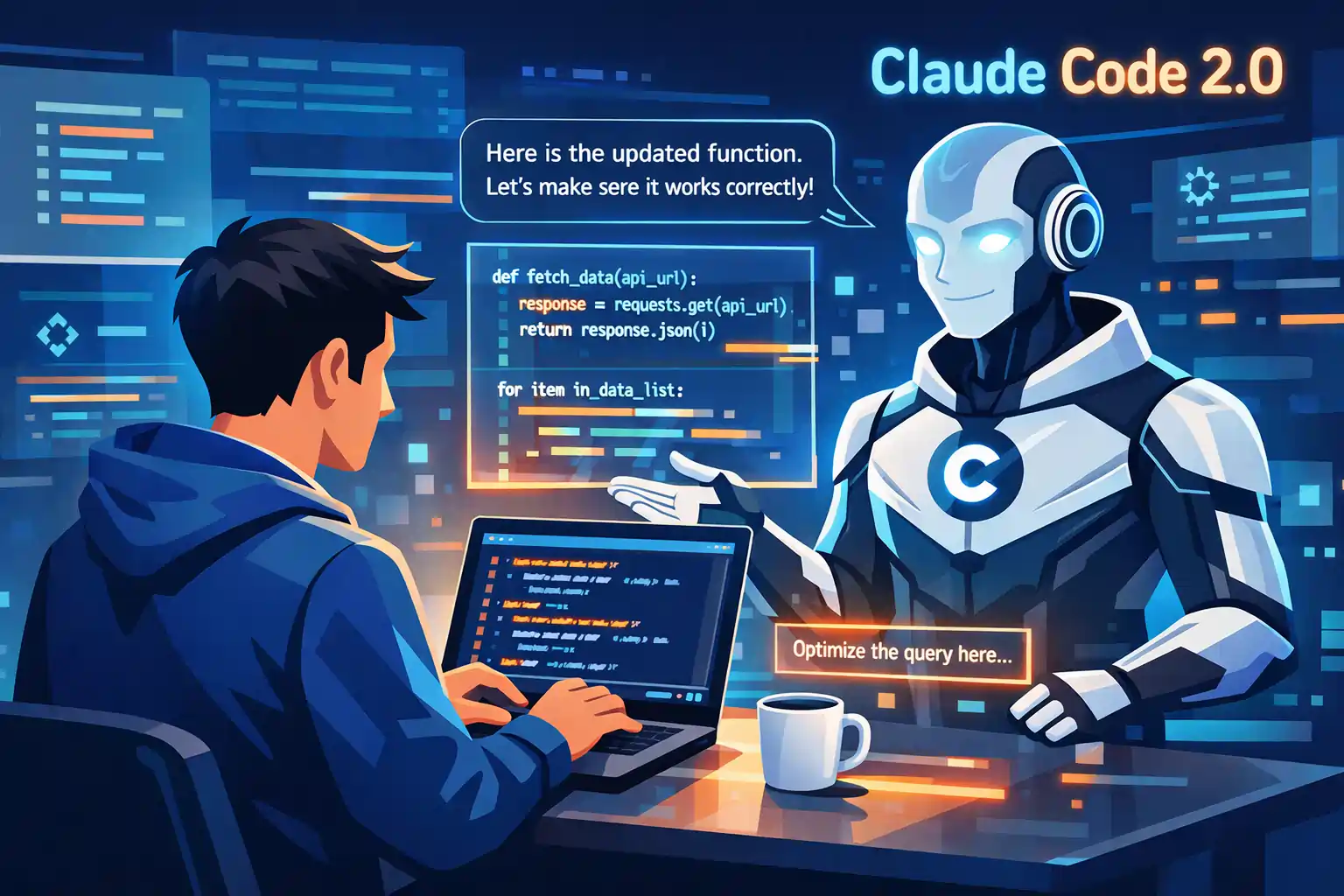
Artificial intelligence is quickly changing how software is built. Just a few years ago, developers spent hours searching documentation, fixing bugs, and writing repetitive code. Today, AI coding tools can help with many of those tasks. One tool that is getting a lot of attention is Claude Code. With the release of Claude Code 2.0, many developers are exploring how this AI assistant can help them write better code, fix errors faster, and understand complex programming problems.
While tools like ChatGPT and GitHub Copilot already exist, Claude Code is becoming popular for its strong reasoning and ability to explain code clearly. In this article, we explore what Claude Code 2.0 is, why developers are switching to it, and how it could change the future of AI-assisted programming.
What Is Claude Code?
Claude Code is an AI coding assistant designed to help developers write, analyze, and understand software code. It is powered by advanced language models that can read programming languages, explain logic, and generate useful coding suggestions.
Instead of replacing developers, Claude Code works like a smart coding partner. Developers can ask questions about their code, request explanations, or generate new code snippets based on a problem they want to solve.
With the arrival of Claude Code 2.0, the system is expected to become even more capable at reasoning through complex coding problems and providing structured answers.
Why Claude Code 2.0 Is Trending Among Developers
AI coding assistants are growing fast, but many developers are now exploring Claude Code 2.0 because of its strong ability to understand context and explain solutions.
Developers often face problems where the code works but is difficult to understand or improve. In these situations, Claude Code can analyze the logic and explain what the code is doing step by step.
This ability to explain code clearly is one reason why many programmers see Claude Code 2.0 as a helpful learning and productivity tool.
Key Features of Claude Code 2.0
1. Smarter Code Generation
Claude Code can generate code snippets for many programming languages. Developers can describe a task in plain English and receive structured code suggestions.
With Claude Code 2.0, the AI is designed to understand instructions more accurately, which helps generate code that is closer to what developers actually need.
2. Code Explanation and Learning Support
One of the most useful abilities of Claude Code is explaining code in simple terms. This can help beginners understand programming concepts and help experienced developers review unfamiliar codebases.
For students and self-taught programmers, Claude Code 2.0 can work like a coding tutor that explains logic step by step.
3. Debugging and Error Detection
Debugging is one of the most time-consuming parts of programming. Developers often spend hours searching for small errors.
Claude Code can review code and highlight possible issues. With Claude Code 2.0, the system may provide more detailed debugging suggestions and clearer explanations for why a problem occurs.
4. Understanding Large Codebases
Large software projects often contain thousands of lines of code. Reading and understanding these files can take a long time.
Claude Code 2.0 can help summarize sections of code and explain how different parts of the program work together. This can help developers navigate large projects more easily.
5. Productivity for Modern Developers
Many developers use AI tools to speed up repetitive tasks. Claude Code can help generate documentation, write small functions, and organize code ideas.
These improvements allow developers to focus on creative problem solving instead of repetitive work.
Claude Code vs Other AI Coding Tools
There are several AI coding assistants available today. Tools like GitHub Copilot and ChatGPT already help developers generate code.
However, many users say Claude Code 2.0 stands out because of its strong reasoning and detailed explanations. Instead of only generating code, it tries to explain the logic behind the solution.
This makes Claude Code useful not only for coding but also for learning and improving programming skills.
Claude Code vs Other AI Coding Tools
| Feature | Claude Code 2.0 | ChatGPT | GitHub Copilot |
|---|---|---|---|
| Primary Purpose | AI coding assistant focused on reasoning and code explanation | General AI assistant for coding, writing, and research | Code completion tool integrated with development environments |
| Code Generation | Generates structured code with detailed explanations | Generates code snippets and programming help | Suggests real-time code while typing |
| Debugging Support | Helps analyze errors and explain possible fixes | Provides debugging suggestions | Limited debugging explanation |
| Understanding Large Code | Strong ability to analyze and explain large codebases | Can review code but may need detailed prompts | Mainly focused on auto-completion |
| Learning Support | Explains code step by step, useful for beginners | Provides explanations for many programming topics | Less focused on learning explanations |
| Best For | Developers who want reasoning and code explanations | General AI assistance and coding help | Fast code suggestions during development |
This comparison shows why many developers are exploring Claude Code 2.0 as an AI coding assistant. Its ability to explain code and reason through complex problems makes it useful for both beginners and experienced programmers.
How Developers Use Claude Code in Real Work
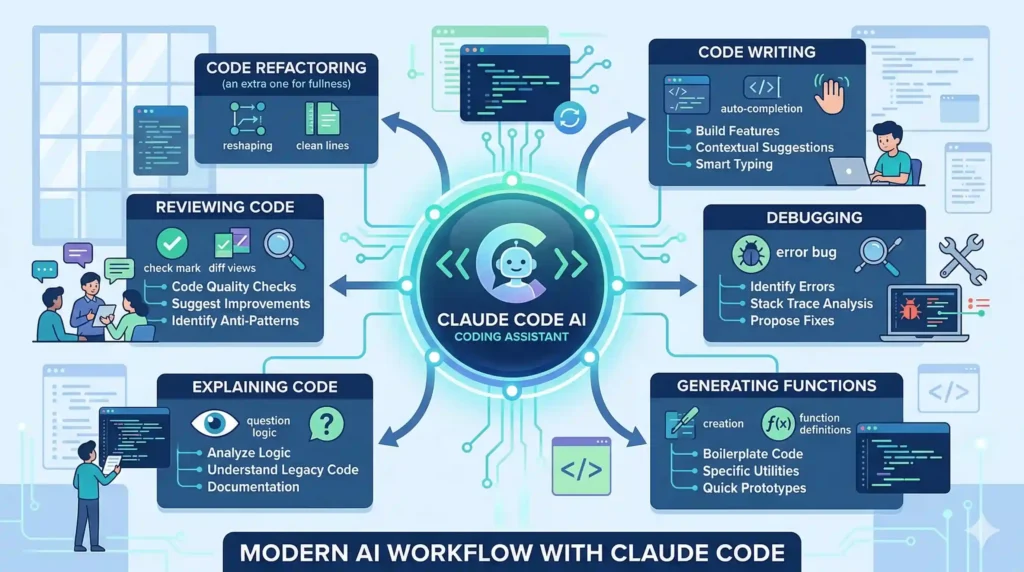
How Developers Use Claude Code 2.0 in Real Work
Many developers are now exploring how Claude Code 2.0 can help them work faster and solve coding problems more easily. Instead of only writing code from scratch, developers can use Claude Code as a smart assistant that helps with planning, coding, debugging, and explaining complex logic. In real-world development, programmers often deal with tight deadlines, large codebases, and complicated bugs. Tools like Claude Code 2.0 can support these tasks by generating code suggestions, reviewing existing code, and helping developers understand how different parts of a program work together.
1. Writing Code Faster
One of the most common ways developers use Claude Code is to generate code quickly. A developer can describe a task in simple language, such as creating a login system, building an API endpoint, or writing a function. Claude Code 2.0 can then generate a starting code snippet that developers can review and improve. This process saves time and helps developers focus on solving problems instead of writing repetitive code from scratch.
2. Debugging and Fixing Errors
Debugging can take a large amount of time in software development. Developers often spend hours trying to find small mistakes in the code. With Claude Code 2.0, programmers can paste their code and ask the AI to review it. Claude Code can highlight possible issues, explain why an error might happen, and suggest ways to fix the problem. This can speed up troubleshooting and help developers understand the root cause of bugs.
3. Learning New Programming Concepts
Developers often need to learn new programming languages, frameworks, or tools. Claude Code 2.0 can act like a coding tutor by explaining programming concepts in simple language. For example, a beginner learning JavaScript can ask Claude Code to explain how asynchronous functions work or how to build a simple web application. The AI can break the explanation into smaller steps and provide examples that make the concept easier to understand.
4. Understanding Large Codebases
In real projects, developers often work with thousands of lines of code written by different people. Understanding these codebases can take a long time. Claude Code 2.0 can analyze sections of code and summarize what they do. Developers can ask Claude Code to explain how a function works, what a specific file is responsible for, or how different parts of the application connect together.
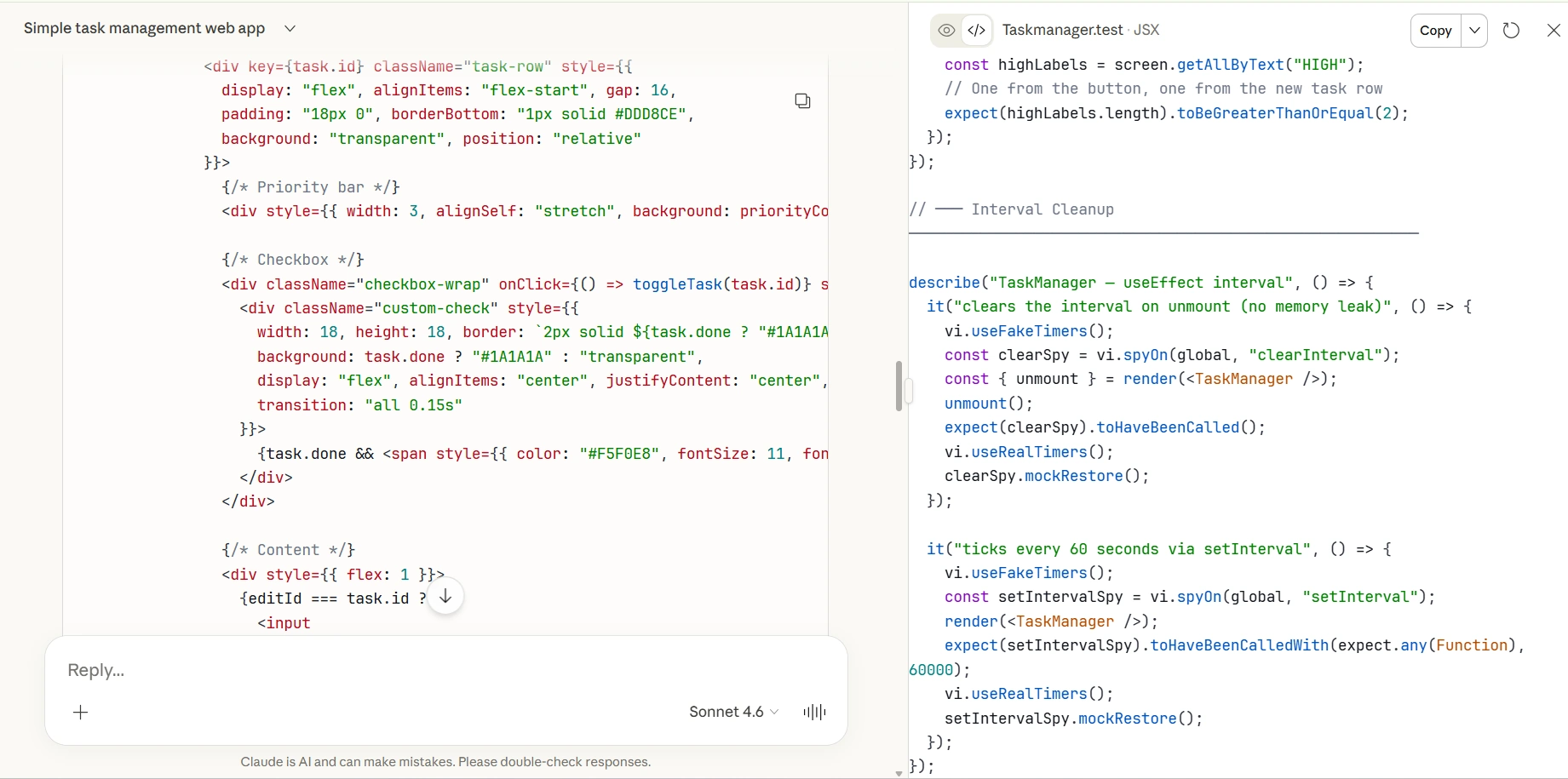
5. Brainstorming and Planning Projects
Before writing code, developers often need to plan the structure of a project. Claude Code 2.0 can help brainstorm ideas for software architecture, suggest project structures, and recommend best practices.
For example, a developer building a web application can ask Claude Code for guidance on how to organize backend APIs, database models, and frontend components.
6. Improving Documentation
Good documentation is important for any software project, but developers sometimes skip it because writing documentation takes time. Claude Code 2.0 can help generate clear documentation for functions, APIs, and project features. By using Claude Code, teams can create readable documentation faster, which helps new developers understand the project more easily.
Overall, Claude Code 2.0 is becoming a helpful tool for developers who want to work more efficiently. Instead of replacing programmers, Claude Code works as a coding assistant that supports problem solving, learning, and software development in real-world projects.
The Future of AI Coding Assistants
AI coding assistants are still evolving. As models become more powerful, tools like Claude Code may become a standard part of the developer workflow. Future updates to Claude Code 2.0 could bring better reasoning, stronger debugging abilities, and deeper integration with development tools. Instead of replacing programmers, these tools are likely to act as intelligent assistants that help developers build software more efficiently.

Final Thoughts
The rise of AI coding tools is transforming how developers work. From generating code to explaining complex logic, AI assistants are becoming valuable productivity tools. Claude Code 2.0 is gaining attention because it focuses on reasoning, explanation, and helping developers understand their code better.
As more developers experiment with Claude Code, it may become one of the most useful AI tools for modern programming.
Choosfy.com is a growing platform where you can explore useful AI tools, and alsoFree Ai Tools, simple tech guides, and the latest AI updates. If you want to learn more about AI tools, just search Choosfy.com in Google. You can also check our free AI tools list and discover more helpful posts on our website.
Recommended Articles
- Most People Use AI Tools Wrong — Try These 4 Simple Tricks Instead
- Free AI Tools List 2026: Best Free AI for Video, Image, and Productivity
- AI Tools for Students: Study Faster and Smarter in 2026
- Hidden AI Tools 2026: Powerful New AI Tools Most People Don’t Know
- Make Money with AI: Free AI Tools That Can Help You Earn Online
- How to Get Premium AI Features for Free in 2026
- How to Access Gemini AI Premium Features Free
- 10 Practical Problems ChatGPT Can Solve Better Than a Professional
- How to Use ChatGPT in 2026: Beginner to Advanced Guide
- AI Tools for Handwriting Notes Free in 2026
- AI Trip Planner India
- 20 Best Free AI Content Generator Tools in 2026

I am Md Amon Sk, a Website Developer with 2 years of experience. As part of the Choosfy Team, I focus on building quality websites and sharing the latest insights on AI tools.
5 thoughts on “Claude Code 2.0: The AI Coding Assistant Developers Are Switching To”
Comments are closed.