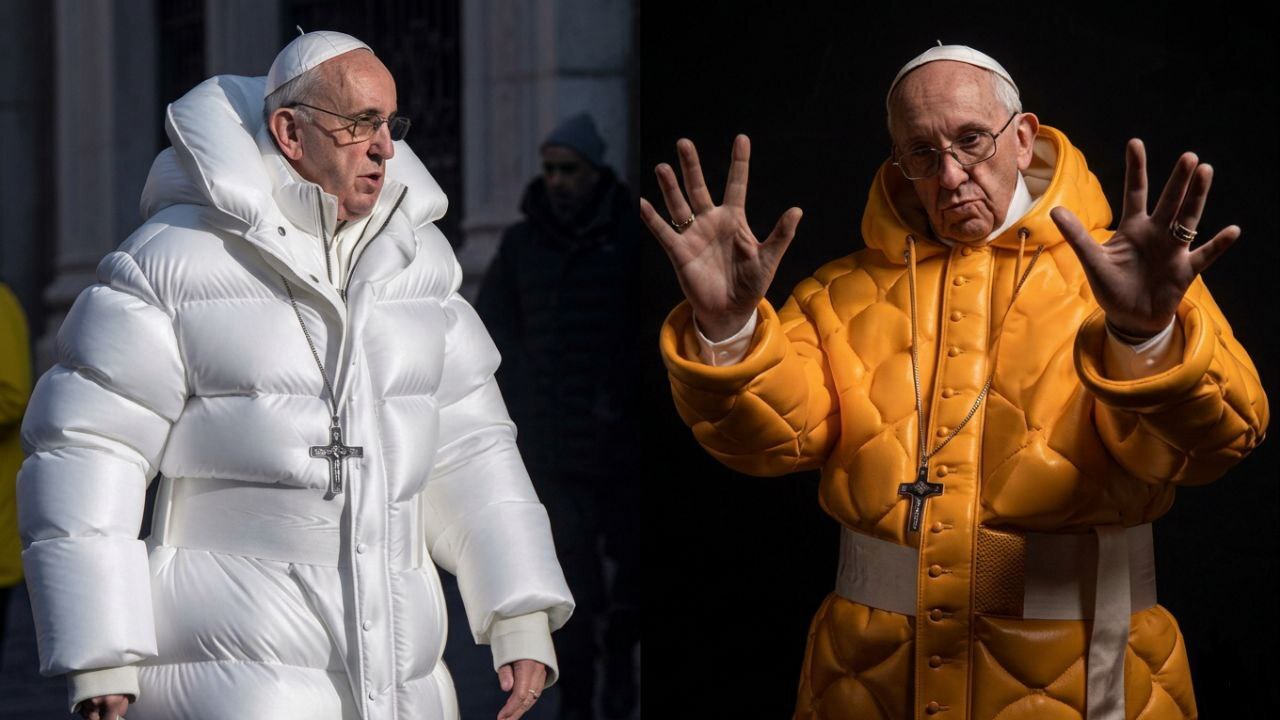
Artificial intelligence has completely changed how images are created online. Today, powerful AI tools can generate photos so realistic that many people cannot tell the difference between a real photograph and an AI-generated one.From hyper-realistic human portraits to cinematic city scenes, AI image generators are producing visuals that look almost identical to professional photography. In fact, some AI images have already gone viral because they appear completely real.In this article, we explore some of the most realistic AI-generated images ever created, ranked based on realism, detail, and visual impact. Aenerative ai link.
What Makes an AI Image Look Real?
Not every AI image looks realistic. The most convincing ones share a few common features:
- natural lighting
- detailed skin textures
- realistic shadows and reflections
- high-resolution rendering
- professional photography style prompts
Modern AI models like Midjourney, DALL-E, and Stable Diffusion use diffusion models to recreate complex visual patterns that mimic real-world photography.
Ranked: Top AI-Generated Images in the World That Look 100% Real
Artificial intelligence is transforming the way images are created. Modern AI tools can generate photos so realistic that many people cannot tell whether the image was taken by a camera or created by an algorithm.
From ultra-realistic portraits to cinematic city scenes, AI image generators are producing visuals that look identical to professional photography. Some AI images have even gone viral online because people believed they were real photographs.
Below are some of the most realistic AI-generated images ever created, ranked by realism, detail, and visual impact.
1. The Viral AI Pope Wearing a Designer Jacket
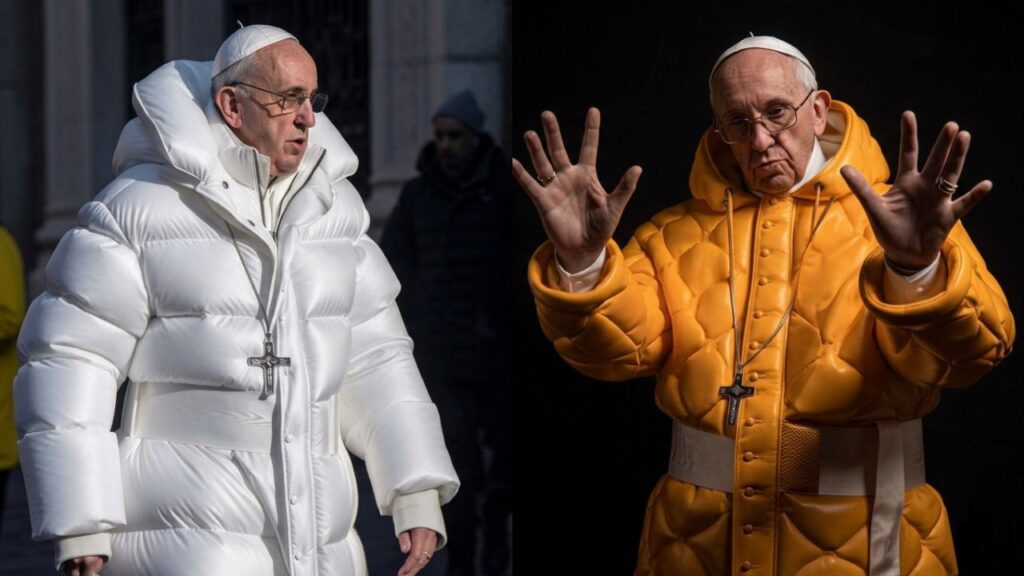
This is one of the most famous AI images ever created. The image shows the Pope wearing a stylish white designer puffer jacket. When it first appeared online, thousands of people believed it was a real photograph.
Why it looks real
- natural lighting
- realistic fabric texture
- authentic facial details
AI Tool Used: Midjourney
2. Hyper-Realistic AI Fashion Model
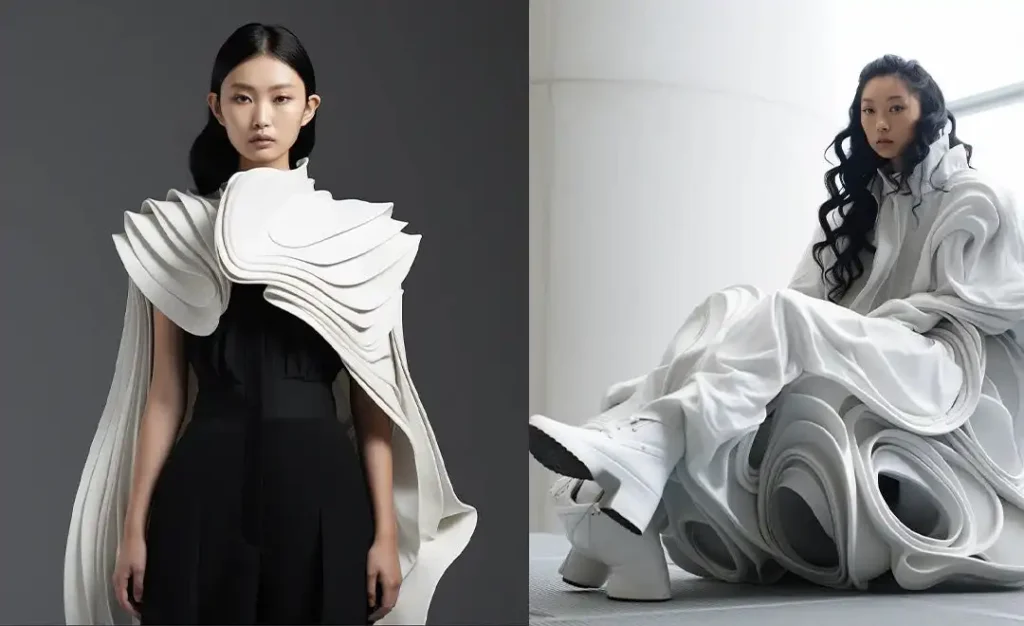
AI can now generate fashion photography that looks almost identical to magazine covers. Some AI-generated models are so realistic that brands are already experimenting with them in advertising campaigns.
Why it looks real
- studio lighting effects
- natural skin texture
- professional camera focus
AI Tool Used: Midjourney
3. AI Street Photography Scene
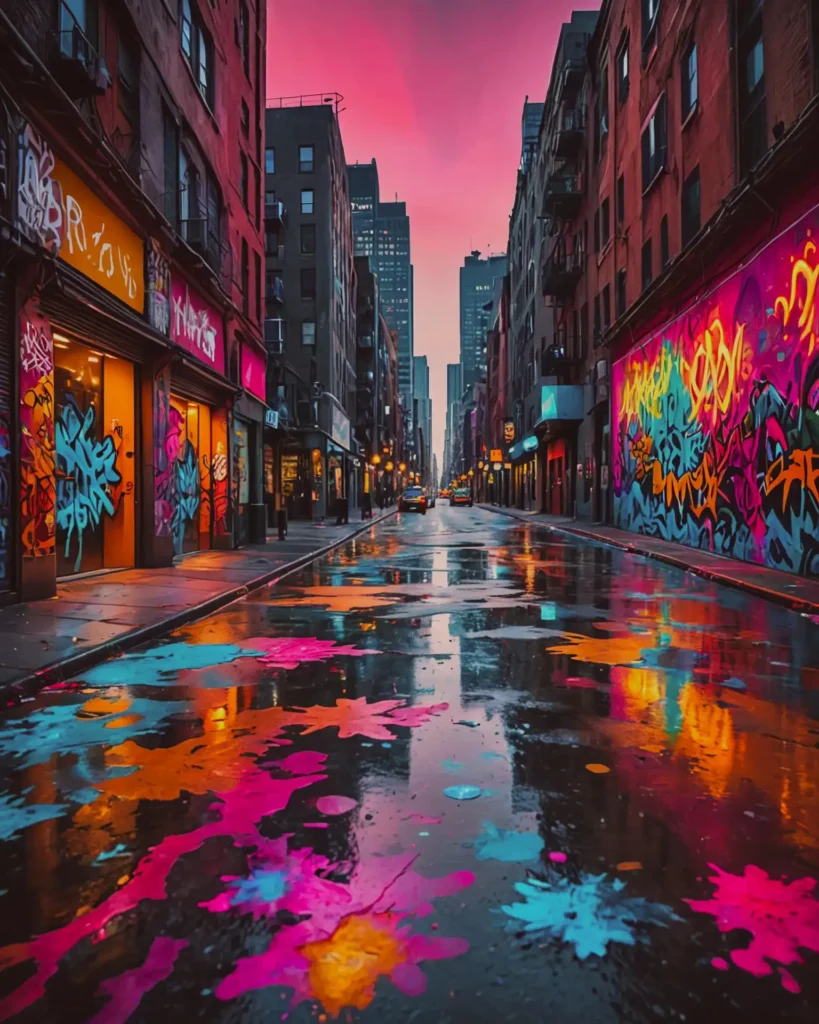
Street photography is extremely difficult for AI, but modern models can now recreate realistic city environments with natural light and human movement.
Why it looks real
- natural shadows
- perspective accuracy
- environmental details
AI Tool Used: Stable Diffusion
4. AI Wildlife Photography
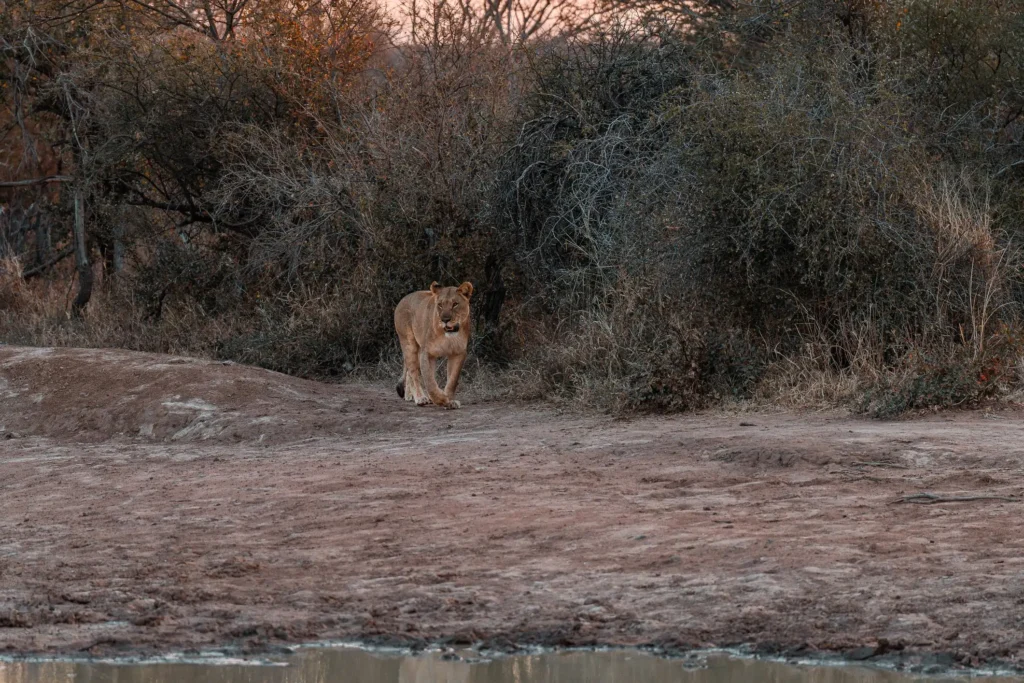
AI can now generate wildlife photos that look like they were captured by professional nature photographers.
Why it looks real
- realistic fur textures
- natural outdoor lighting
- authentic nature background
AI Tool Used: DALL-E
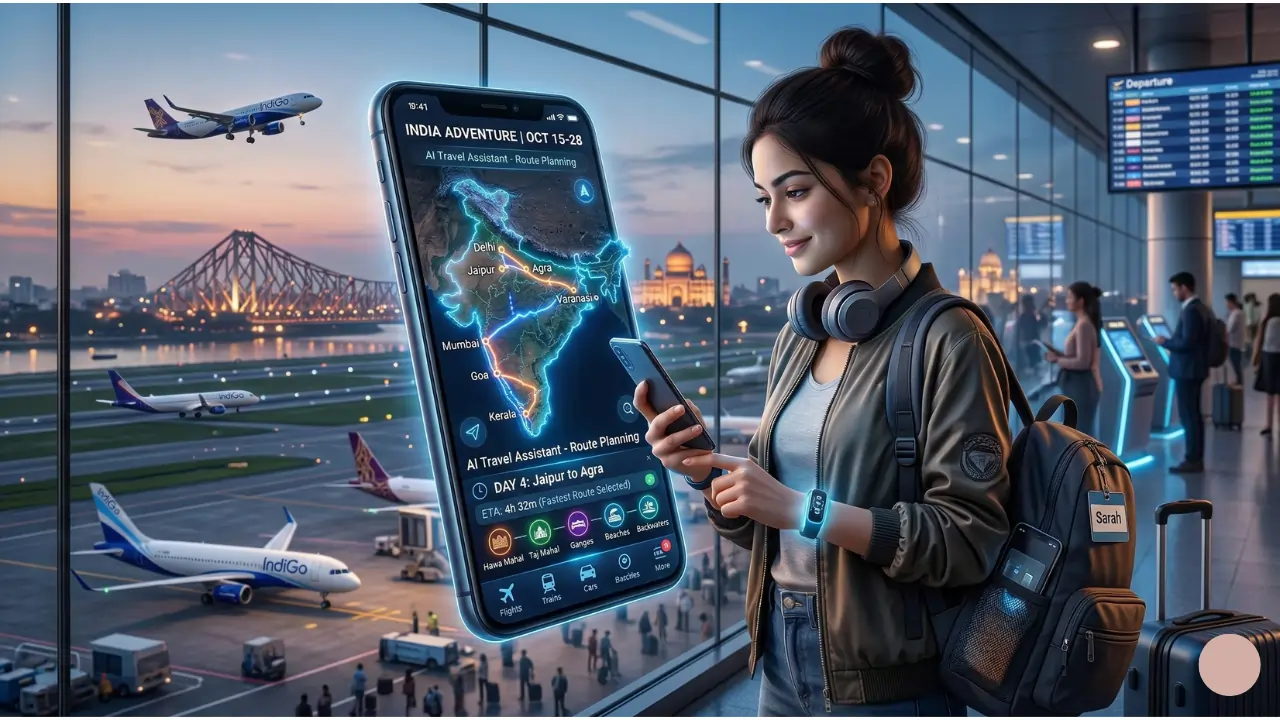
5. Ultra-Realistic AI Food Photography
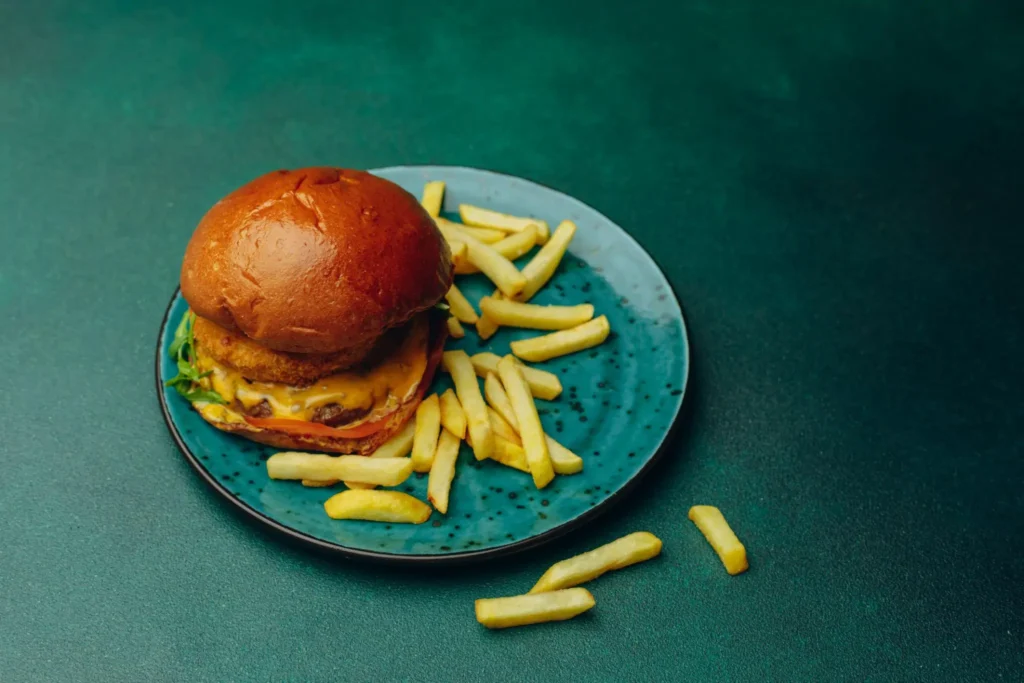
Food photography is another area where AI has become extremely powerful. Many restaurants now use AI images for marketing visuals.
Why it looks real
- detailed textures
- realistic lighting reflections
- professional photography composition
AI Tool Used: Midjourney
6. AI Generated Movie Scene
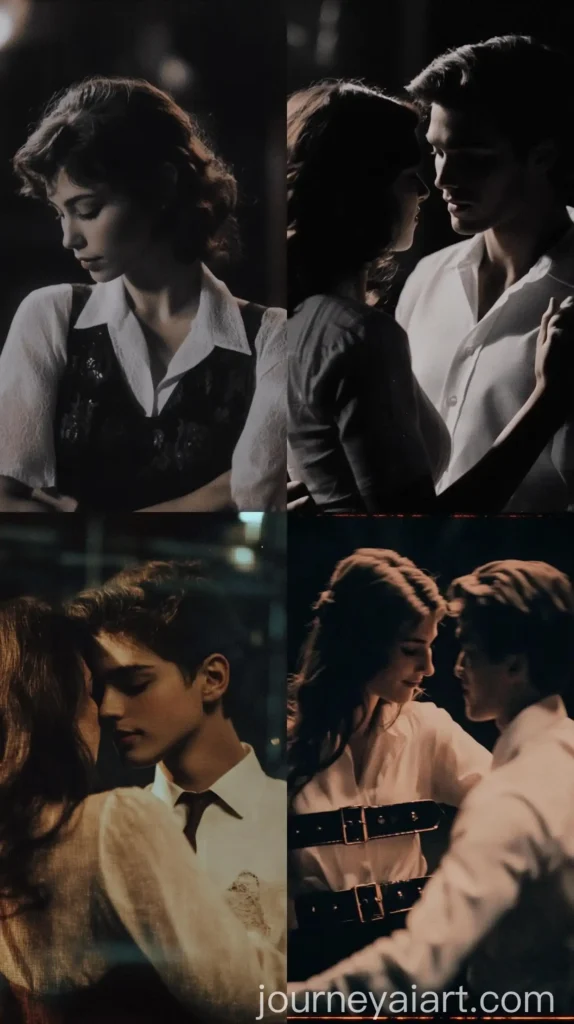
AI can now generate cinematic frames that look like scenes from Hollywood movies.
Why it looks real
- cinematic lighting
- realistic environment design
- professional color grading
AI Tool Used: Midjourney
7. AI Landscape Photography
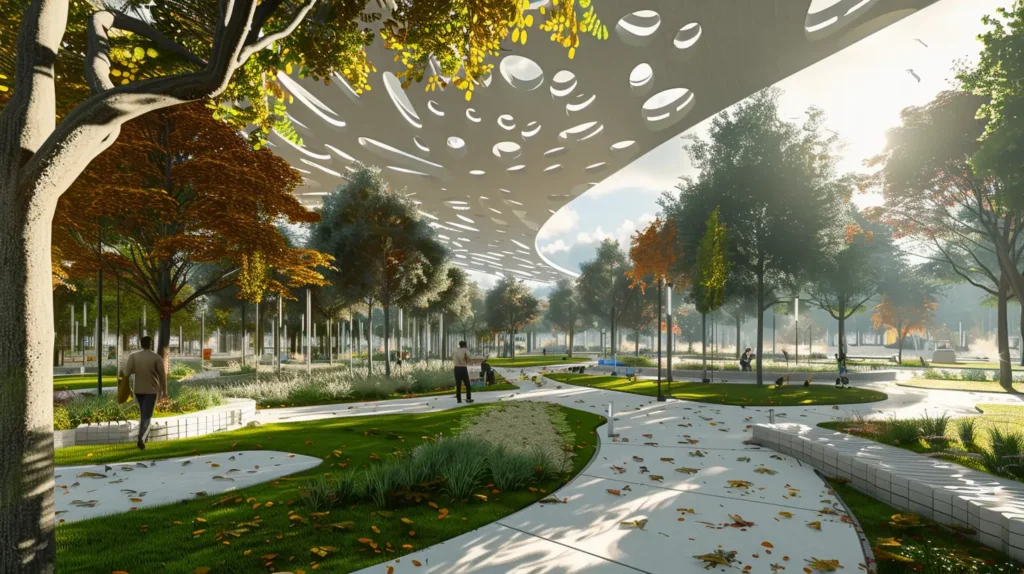
Landscape photography created with AI can now replicate the natural beauty of real locations.
Why it looks real
- natural sunlight gradients
- realistic sky textures
- depth and perspective
AI Tool Used: Stable Diffusion
Best AI Tools That Create Realistic Images
If you want to generate AI images that look almost identical to real photographs, choosing the right AI tool is very important. Modern AI image generators use advanced diffusion models and deep learning techniques to create highly detailed visuals with realistic lighting, textures, and depth.
Here are some of the best AI tools currently used to generate ultra-realistic images:
1. Midjourney
Midjourney is widely considered one of the best AI image generators for creating realistic and cinematic images. It is popular for producing stunning portraits, landscapes, and fashion photography style visuals.
2. DALL-E 3
Developed by OpenAI, DALL-E can generate highly detailed images from text prompts. It is especially good for creative concepts and realistic illustrations.
3. Stable Diffusion
Stable Diffusion is an open-source AI model that allows users to generate and customize images with high control over prompts and styles.
4. Leonardo AI
Leonardo AI is designed for artists and designers who want professional-quality visuals. It produces highly detailed AI artwork and realistic images.
5. Adobe Firefly
Adobe Firefly integrates AI image generation into professional creative tools like Photoshop and Illustrator.
How to Create Realistic AI Images (Step-by-Step)
Creating realistic AI images is easier than ever if you follow the right process. Here is a simple step-by-step method.
Step 1: Choose an AI image generator
Select a reliable AI tool such as Midjourney, DALL-E, or Stable Diffusion.
Step 2: Write a detailed prompt
Describe the subject, environment, lighting, camera angle, and style clearly.
Step 3: Add photography details
Include elements like camera lens, depth of field, shadows, and reflections to make the image look real.
Step 4: Generate multiple variations
Most AI tools allow you to generate several versions of the same image. Choose the best one.
Step 5: Upscale the final image
Use the AI tool’s upscale option to increase the resolution and improve image quality.
Tips for Generating Ultra-Realistic AI Images
Creating realistic AI images depends heavily on how well the prompt is written. These tips can help improve the realism of AI-generated images.
• Use detailed prompts instead of short descriptions
• Add lighting descriptions such as cinematic lighting or natural sunlight
• Include camera details like 50mm lens or professional photography
• Mention textures like skin detail, fabric folds, or reflections
• Use high resolution keywords such as ultra realistic or 8K
The more specific the prompt, the better the final image will look.
Future of AI Image Generation
AI image generation technology is improving at an incredible speed. In the near future, AI will be able to produce images that are almost impossible to distinguish from real photographs.
Many industries are already using AI images for marketing, design, advertising, and social media content. However, this rapid growth also raises questions about authenticity and digital ethics.
Despite these challenges, one thing is clear AI image generation will continue to transform the way visual content is created online.
Final Thoughts
AI image generation is improving at an incredible pace. The difference between real photos and AI-generated images is becoming harder to notice every year.
From viral fashion photos to cinematic landscapes, the most realistic AI-generated images in the world show just how powerful modern generative AI has become.
And as AI models continue to improve, the future of digital photography may look very different from what we know Today.
I am Md Amon Sk, a Website Developer with 2 years of experience. As part of the Choosfy Team, I focus on building quality websites and sharing the latest insights on AI tools.
