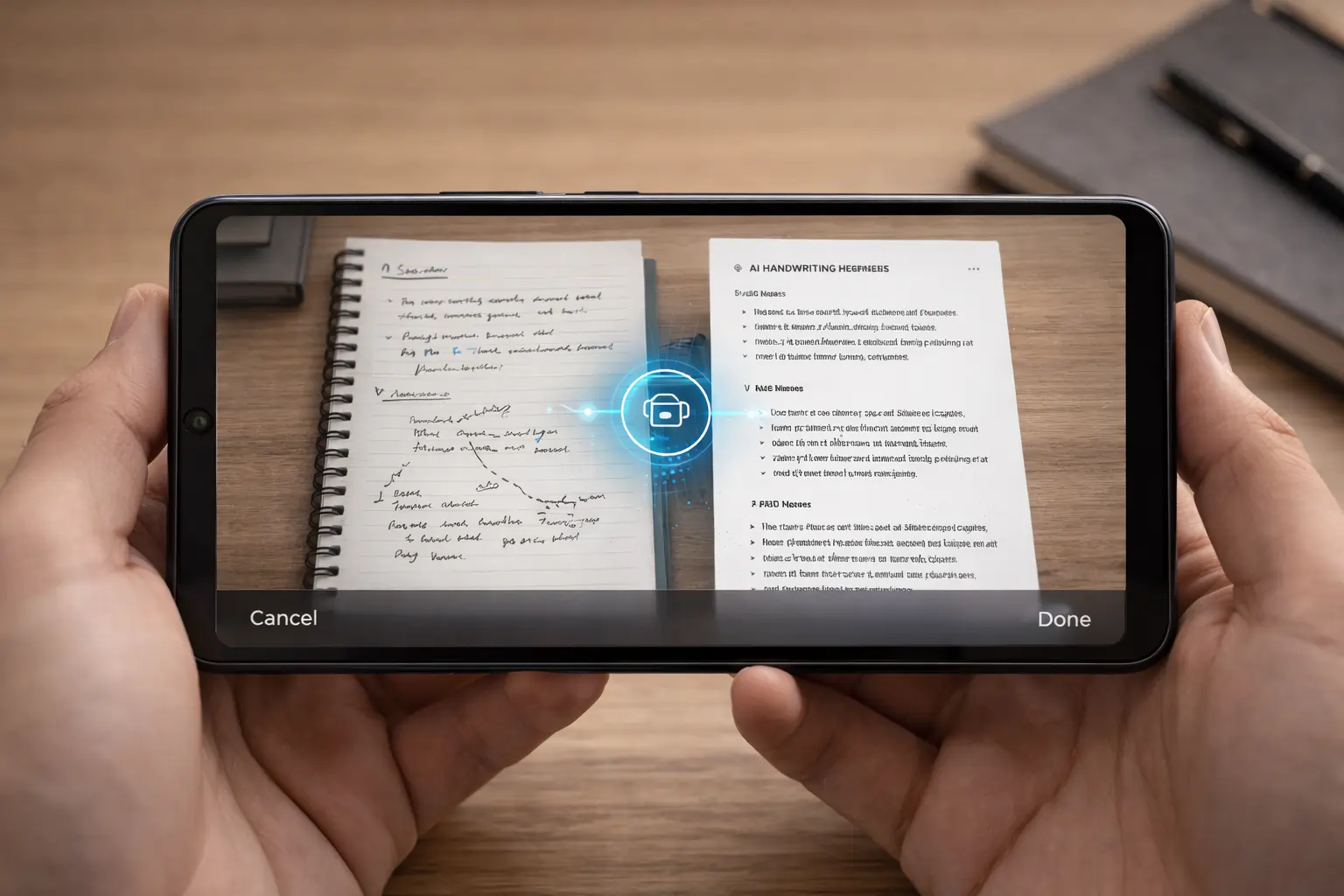
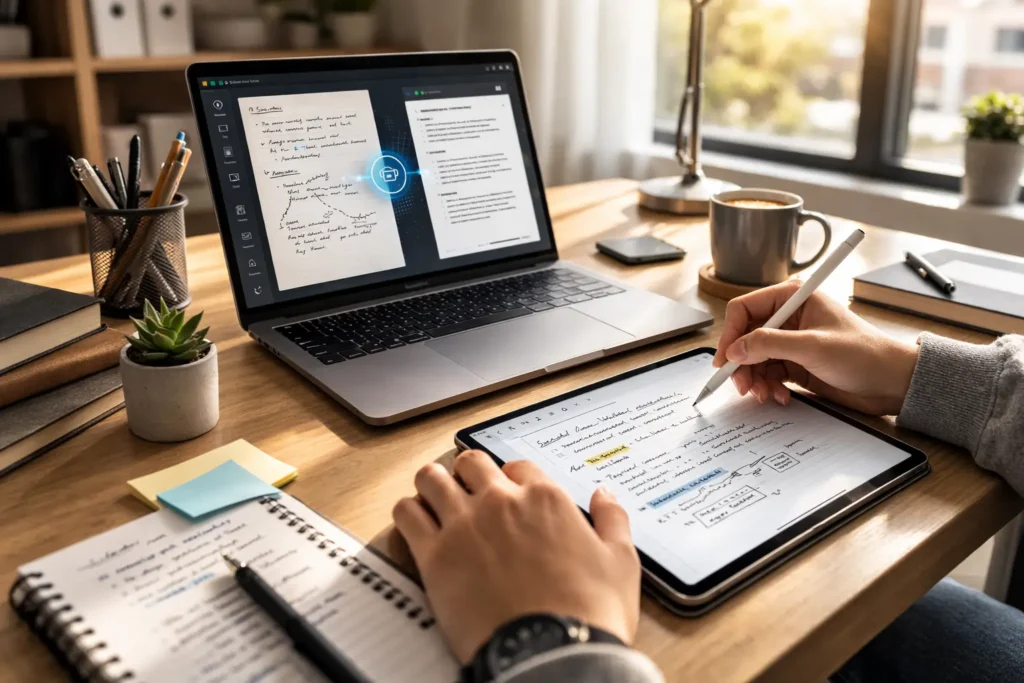
AI Tools for Handwriting Notes are transforming the way students, teachers, and professionals manage their handwritten content. Instead of manually typing pages of notes, AI Tools for Handwriting Notes can scan, recognize, and convert handwriting into editable digital text within seconds. Whether you are using a notebook, Android device, iPad, or laptop, Free AI Tools for Handwriting make the process simple, fast, and highly accurate. In 2026, the demand for AI-powered handwriting recognition tools is increasing rapidly because people want speed, automation, and better organization. In this detailed guide, we will explore the best AI Tools for Handwriting Notes free, compare their features, analyze accuracy, and help you choose the right solution.
Best AI Tools for Handwriting Notes in 2026 (Accuracy Tested & Compared)
Choosing the best AI Tools for Handwriting Notes depends on three main factors: accuracy, speed, and usability. Some Free AI Tools for Handwriting focus on quick scanning, while others offer deep AI-based handwriting recognition and smart organization.
After testing multiple platforms, the following tools stand out in 2026 for their handwriting-to-text conversion performance.
Free AI Tools for Handwriting Notes Free 2026
Below is a list of the top 7 Free AI Tools for Handwriting that offer reliable handwriting recognition.
| Tool Name | Best For | Free Plan | Visit Link |
|---|---|---|---|
| Microsoft OneNote | Students & Class Notes | Yes | Visit |
| Google Keep | Quick Text Extraction | Yes | Visit |
| Nebo | Advanced AI Recognition | Trial | Visit |
| Notability | iPad Note-Taking | Limited | Visit |
| GoodNotes | Apple Pencil Users | Limited | Visit |
| Evernote | Professional Documentation | Limited | Visit |
| Pen to Print | OCR Conversion | Yes | Visit |
7 Best AI Tools for Handwriting Notes (Full Comparison)
1. Microsoft OneNote
Microsoft OneNote is one of the most reliable AI Tools for Handwriting Notes. It allows users to write directly using a stylus and convert ink to text instantly. The built-in AI recognizes handwriting patterns and improves accuracy over time.
It is completely free with a Microsoft account and ideal for students who need structured notebooks.
2. Google Keep
Google Keep is a lightweight and efficient Free AI Tool for Handwriting. Users can capture an image of handwritten notes and extract text automatically using AI-based OCR.
It works perfectly for quick note conversion and cloud synchronization.
3. Nebo
Nebo is known for its advanced AI handwriting engine. Among all AI Tools for Handwriting Notes, Nebo provides one of the highest recognition accuracies. It can even convert mathematical equations and structured diagrams.
This tool is ideal for engineering and science students.
4. Notability
Notability is widely used by iPad users. It combines handwriting recognition with audio recording and smart note organization. As an AI Tool for Handwriting Notes, it performs well in academic environments.
5. GoodNotes
GoodNotes is optimized for Apple Pencil users. The AI system converts handwritten content into clean, formatted text. It is one of the best Free AI Tools for Handwriting for iPad users.
6. Evernote
Evernote uses intelligent OCR to recognize handwritten content in scanned documents. Professionals prefer this AI Tool for Handwriting Notes because of its document management features.
7. Pen to Print
Pen to Print focuses purely on handwriting-to-text conversion. It supports scanned notebooks and loose sheets, making it a practical Free AI Tool for Handwriting.

What Are AI Tools for Handwriting Notes?
AI Tools for Handwriting Notes are software applications powered by artificial intelligence and optical character recognition (OCR). These tools analyze handwritten strokes, detect letter patterns, and convert them into digital text.
Unlike traditional OCR, modern Free AI Tools for Handwriting use deep learning models to understand context, spacing, and grammar.
Main capabilities include:
- Converting handwriting to editable text
- Searching handwritten content
- Organizing notes automatically
- Exporting files as PDF or Word
These tools save time and reduce manual typing effort.
Comparison Table Speed, Accuracy, Price
| Tool | Speed | Accuracy | Free Plan | Ideal For |
|---|---|---|---|---|
| OneNote | Fast | 88–92% | Yes | Students |
| Google Keep | Very Fast | 80–85% | Yes | Quick Notes |
| Nebo | Medium | 92–96% | Trial | Detailed Writing |
| Notability | Fast | 90–93% | Limited | iPad |
| GoodNotes | Fast | 91–94% | Limited | Apple Pencil |
| Evernote | Medium | 87–90% | Limited | Professionals |
| Pen to Print | Medium | 85–89% | Yes | OCR Conversion |
AI Tools for Students vs Professionals
AI Tools for Handwriting Notes serve different purposes depending on the user.
For Students
Students use Free AI Tools for Handwriting mainly for:
- Converting class notes
- Organizing subjects
- Revising quickly before exams
- Sharing digital notes
Students benefit from cloud synchronization and free features.
For Professionals
Professionals require:
- Secure document storage
- Advanced OCR scanning
- Collaboration features
- Integration with office tools
AI Tools for Handwriting Notes help professionals digitize meeting notes and project drafts efficiently.
How to Convert Handwritten Notes to Text (Step-by-Step Guide)
Converting notes using Free AI Tools for Handwriting is simple.
First, install your preferred AI Tool for Handwriting Notes.
Second, open the scan or camera feature.
Third, upload or capture a clear image of your handwritten notes.
Fourth, let the AI process the text.
Fifth, review and correct minor recognition errors.
Finally, export the document in your preferred format.
Clear lighting and neat handwriting improve accuracy significantly.
Common Problems with AI Handwriting Recognition
Even the best AI Tools for Handwriting Notes face challenges.
Messy handwriting can reduce recognition accuracy.
Low-resolution images affect OCR performance.
Overlapping words create errors.
Free versions may limit export features.
However, modern Free AI Tools for Handwriting are continuously improving through machine learning updates.
AI Handwriting Tools for Android Users
Android users can access several powerful AI Tools for Handwriting Notes.
Best options include:
- Google Keep
- Microsoft OneNote
- Pen to Print
These Free AI Tools for Handwriting work smoothly on most Android devices and sync across platforms.
AI Handwriting Tools for iPad & Apple Pencil
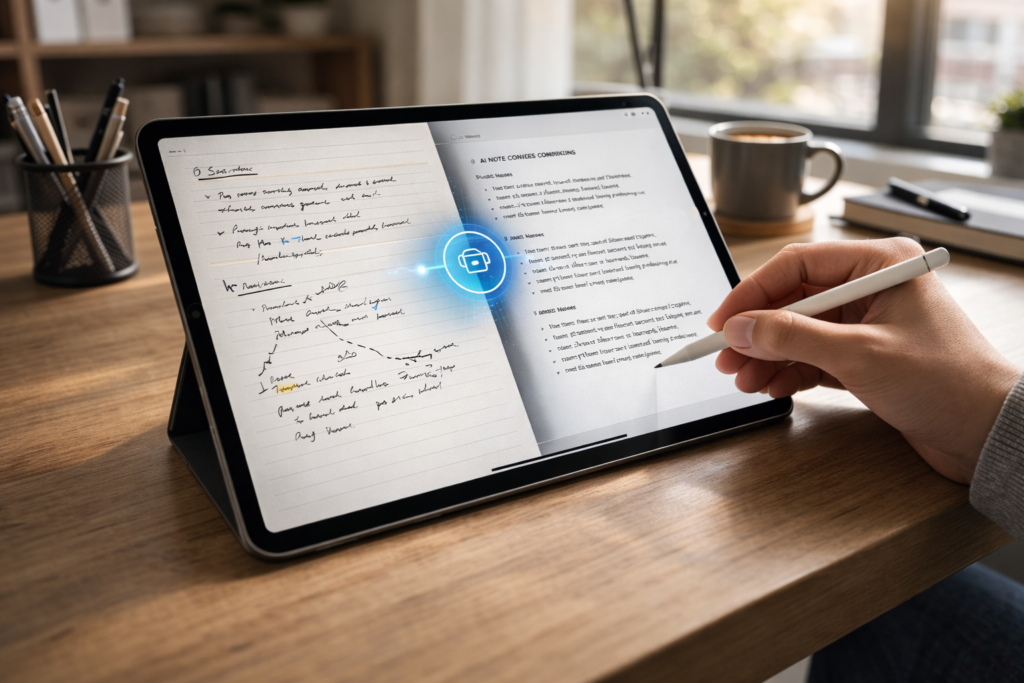
iPad users enjoy highly optimized AI Tools for Handwriting Notes.
Top choices include:
- GoodNotes
- Notability
- Nebo
Apple Pencil integration enhances writing precision and improves AI recognition results.
Future of AI Handwriting Technology
The future of AI Tools for Handwriting Notes looks promising. With advancements in deep learning, handwriting recognition is becoming nearly human-level accurate.
Future developments may include:
- Real-time grammar correction
- Automatic summarization
- AI-generated structured notes
- Voice-to-handwriting integration
- Multilingual handwriting recognition
Free AI Tools for Handwriting will likely expand features while maintaining accessible pricing.

Final Words
AI Tools for Handwriting Notes are becoming essential in 2026. Whether you need Free AI Tools for Handwriting for school, college, or office work, these tools simplify note management and improve productivity. By choosing the right AI Tool for Handwriting Notes, you can convert handwritten content into structured digital documents effortlessly.
Related AI Guides
→ How to Use ChatGPT in 2026 for Maximum Productivity
→Step-by-Step Guide to Building an Autonomous AI Code Agent
→ Complete 2026 Roadmap to Learn Generative and Agentic AI
→ AI vs Human Jobs in 2026: Which Careers Are Future-Proof?
FAQs
What are the best AI Tools for Handwriting Notes in 2026?
Nebo, GoodNotes, and Microsoft OneNote are among the top-performing AI Tools for Handwriting Notes.
Are there Free AI Tools for Handwriting available?
Yes. Google Keep and OneNote offer reliable Free AI Tools for Handwriting features.
Can AI summarize handwritten notes?
Some advanced AI Tools for Handwriting Notes now offer summarization and smart formatting features.

I am Md Amon Sk, a Website Developer with 2 years of experience. As part of the Choosfy Team, I focus on building quality websites and sharing the latest insights on AI tools.

7 thoughts on “7 Best AI Tools for Handwriting Notes Free in 2026- Accuracy Tested & Compared”
Comments are closed.